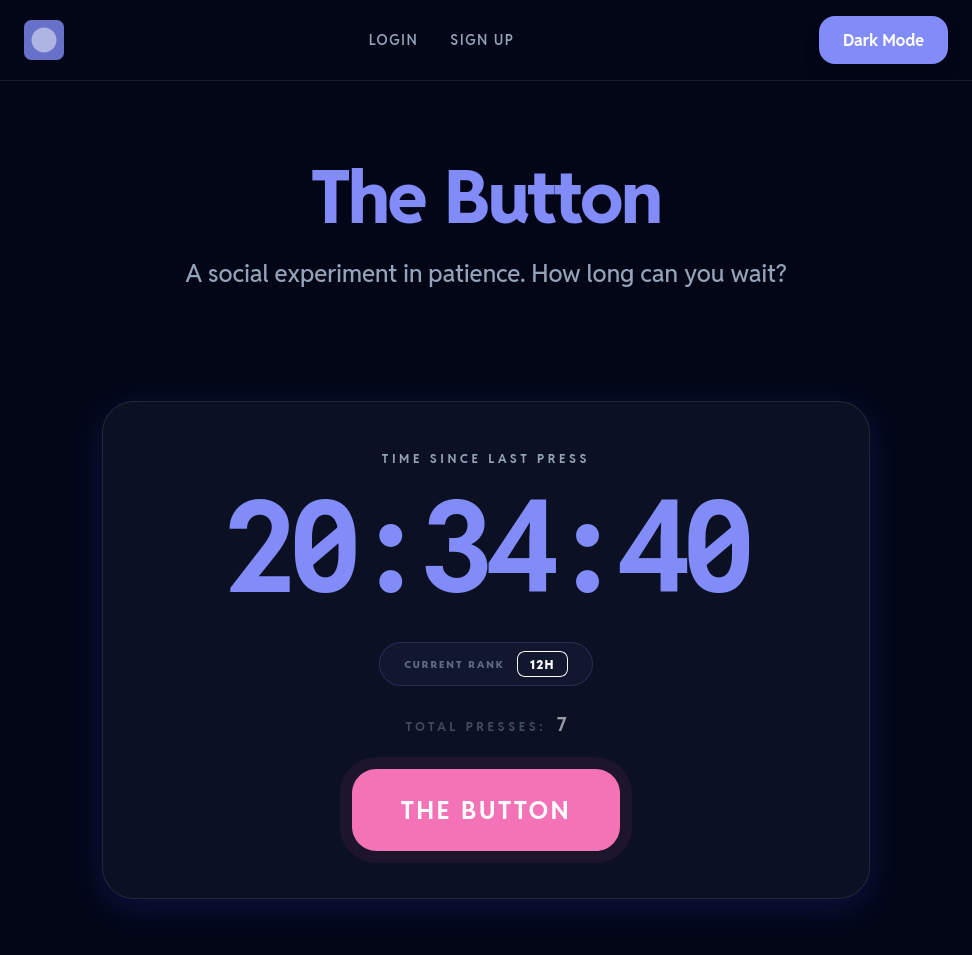
What is The Button?
thebutton.app is a little project I worked on for fun recently where there's a timer in the middle of the screen that counts up. Whenever somebody presses 'the button' underneath the timer, it resets to zero, and the user gets credited with claiming the time that was on the screen when they pressed it.
It's basically just a little game where you get a score based on how much time has elapsed since the last person pressed the button. There's only one timer which is shared for everyone, and it resets immediately for everyone when anyone presses it.
How it works
The Button is a Django app with some Vue components powering the interactive elements, such as the timer, modals, and leaderboard tables.
I was inspired to build this app when I came across an interesting Django package called djrealtime. djrealtime makes it easy to update client-side browsers with events from within Django itself. This meant that I could use Python code on the server to let users know when somebody had pressed the button, allowing connected users to see immediately when the timer resets in real time.
With the real-time functionality in place, the rest is pretty standard in terms of Django. I used Django Rest Framework (DRF) to quickly implement API endpoints for Vue to communicate with, and then the rest was mostly Vue/front end code.
DRF made it easy to implement a few security features, such as authorised POST requests and sensible rate-limiting with very little code on my part.
Accounts
The last piece of the puzzle is the account system.
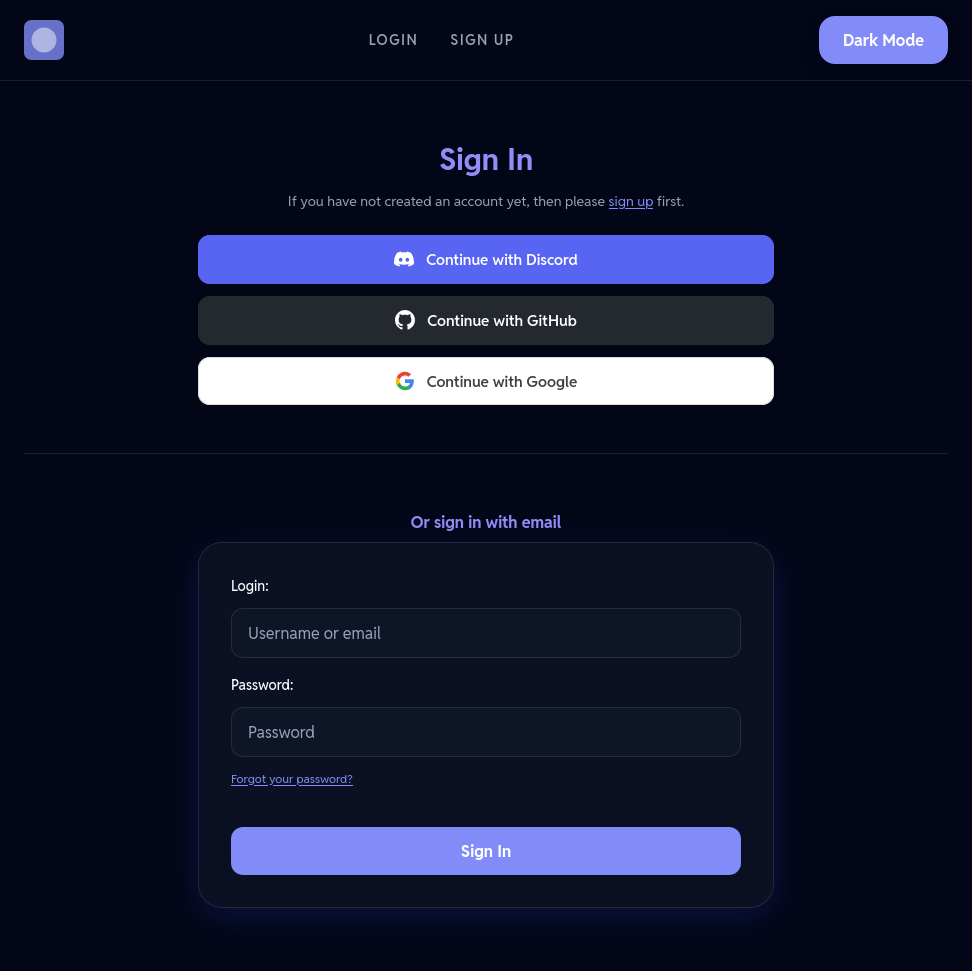
I used django-allauth to get accounts running nicely. This allows users to directly sign up for the website, verify their email address, and otherwise manage their accounts.
Beyond the standard allauth setup, I then utilised their third-party account support by linking with a few major platforms that I anticipate most users will have at their disposal:
- Discord
- GitHub
These use OAuth to allow users to log into The Button with one of these account providers. The Button then gets access to their email address/username from the platform they logged in from, and that's stored in the database with the user's concent.
Dark mode toggle
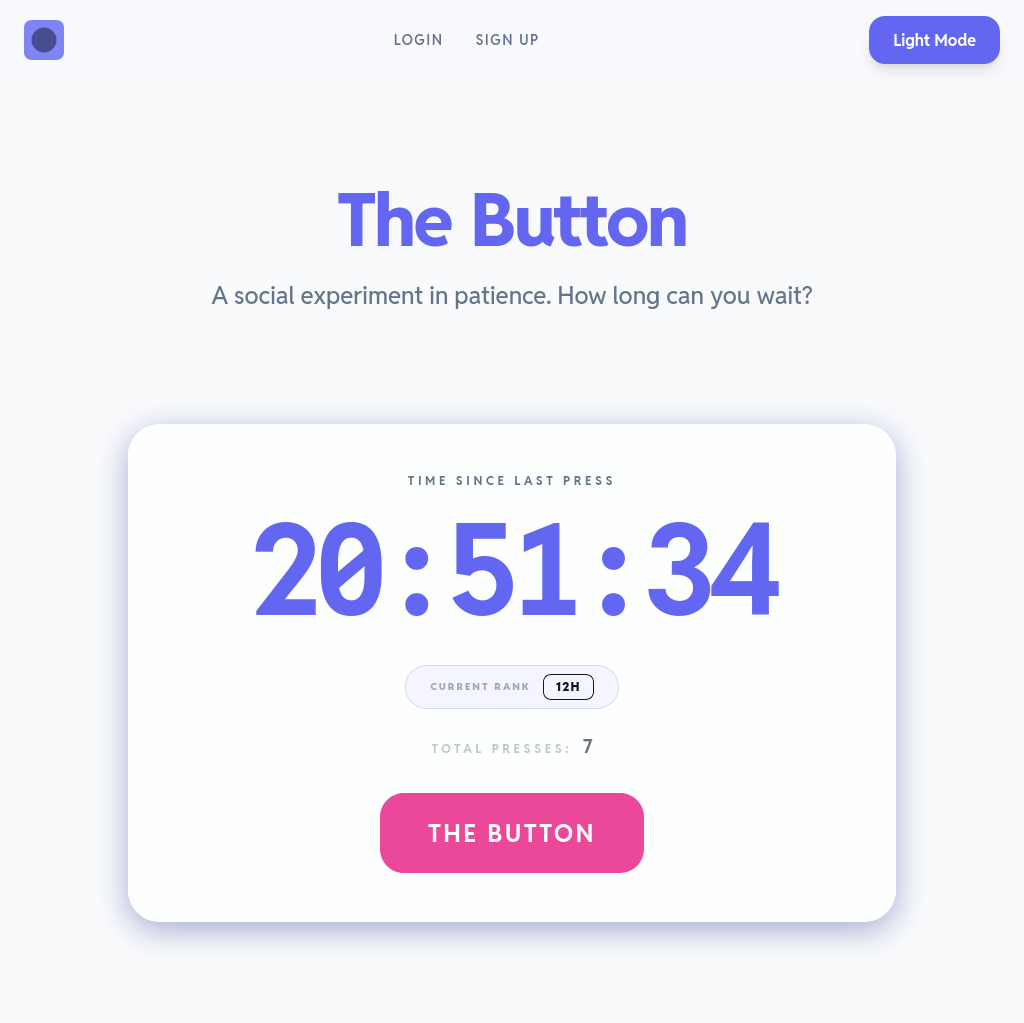
This is the first project in which I decided to implement both a dark and light design, which can be toggled between.
For the simple UI, it seemed like a good opportunity to give this a try, as I personally prefer dark mode and find it frustrating when some apps don't offer me the choice to switch.
Following best practices, the site will default to whatever mode your device's preference is set as, be that light or dark. This is then stored in a cookie within your browser. Having a cookie in place means that the server can use the cookie to determine which view you prefer. This means that it can directly serve you the light/dark version without the need for your browser to swap it out after each page load.
Overall, I'm very happy with the implementation of dark/light mode switching. Looking back on it, I have no regrets in the way this is handled and will use it as a baseline for any future projects that might require this feature.
The future
The Button was a fun little side-project for me to work on so that I could practice and get some more experience in real-time events and account implementations with Django. As such, I've not got any larger plans for further development at the moment.
There's every possibility that some people might find it novel enough to press the button a few times and earn themselves a high score. They might even share it with their friends in the spirit of competition. But as I don't plan to market it at all, I expect it's likely The Button will stay as it is now.